Documentation
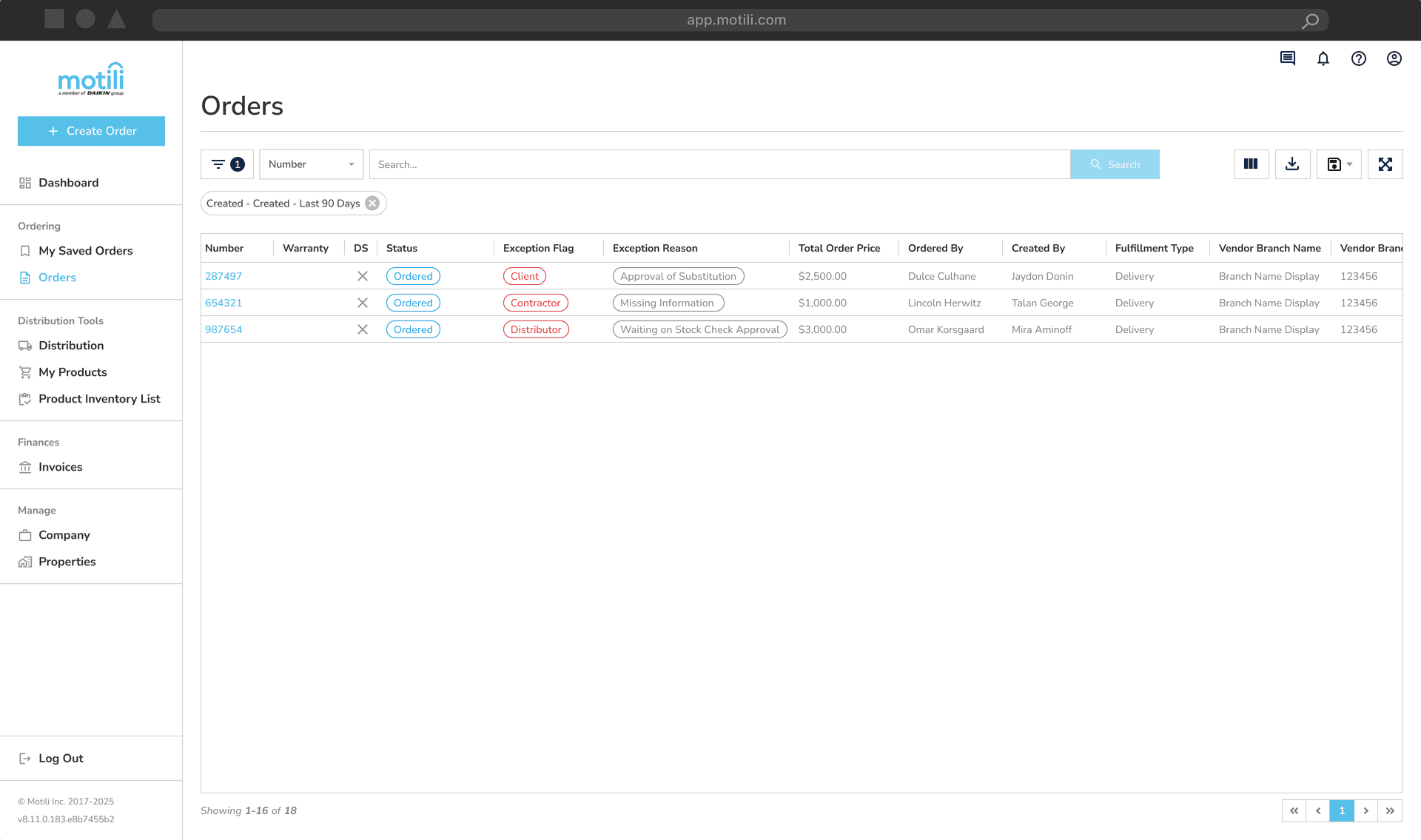
How to Find Orders
Finding an Order
Navigate to the left-hand toolbar and click Orders under the Ordering section.
To begin your search, you must either:
Select at least two filters from the filter menu, OR
Use the top search bar to display results.
Click View Latest Results to display all orders from the last 90 days.
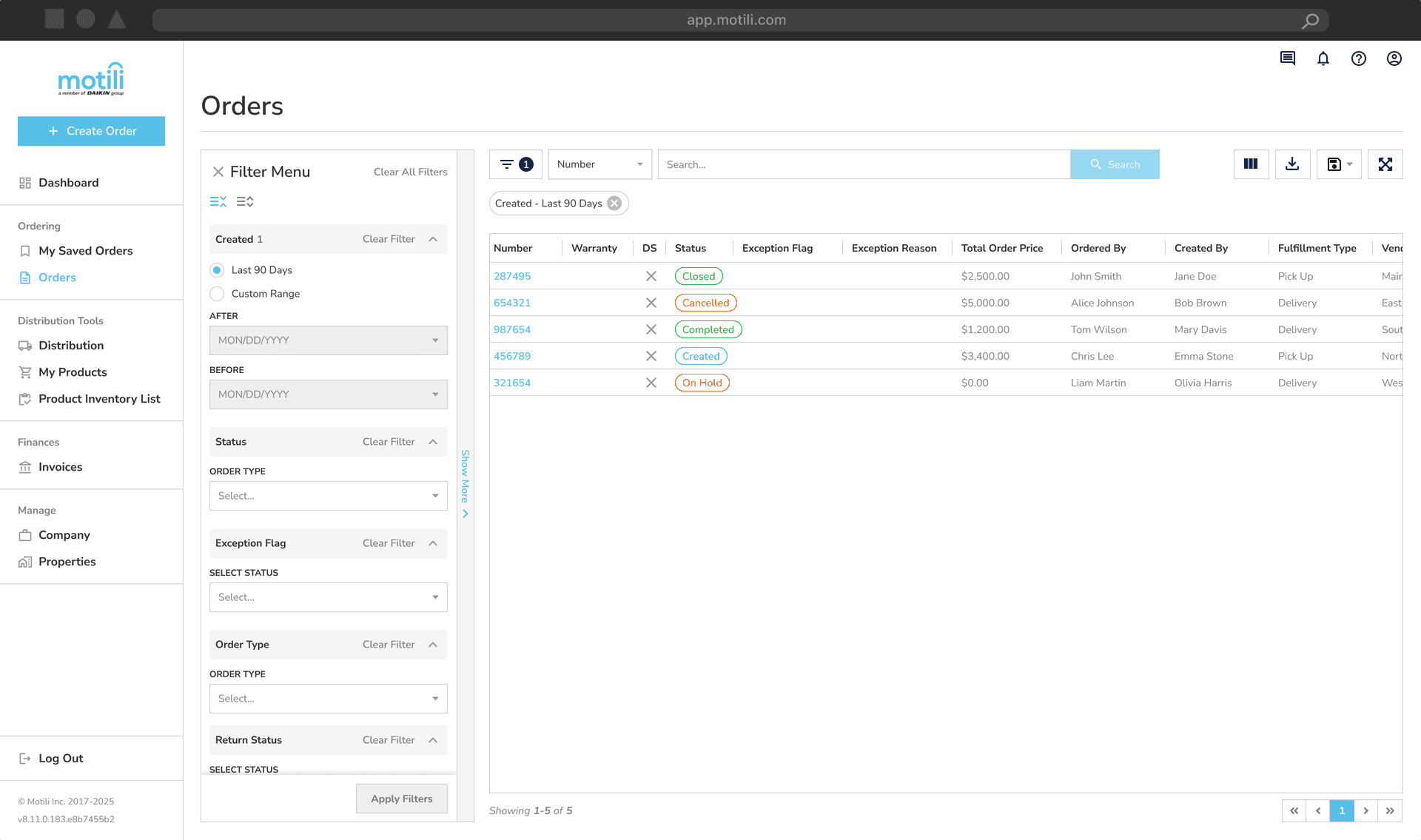
Top Search Bar
Using the top search bar, you can search for an order using the following data fields:
Number – Motili order number
Fulfillment Type – method in which the order will be received: Pick Up or Delivery
Vendor Branch Name – Name of the branch associated with the order
Vendor Branch Number – Number of the branch associated with the order
Vendor Order Number – Vendor-provided unique order identification number
Ordered By – The user who placed the order
Created By – The user who created the order
PO Number – Purchase order number provided by the client
Reference One – Primary order reference, unique by customer
Reference Two – Secondary order reference, unique by customer
Reference Three – Client-specific integration information
Reference Four – Client-specific integration information
Reference Five – Client-specific integration information
Trade Type – HVAC, Electrical, or Plumbing
Priority – Routine, Urgent, or Emergency (SLA is specific to the client segment)
Picking Up At – Vendor address where the order is picked up
Shipping To – Delivery address for the order
Shipping Via – Vendor address from which the order is shipped
Shipment Tracking Number – Tracking number used to monitor shipping status
Property – Property associated with the order
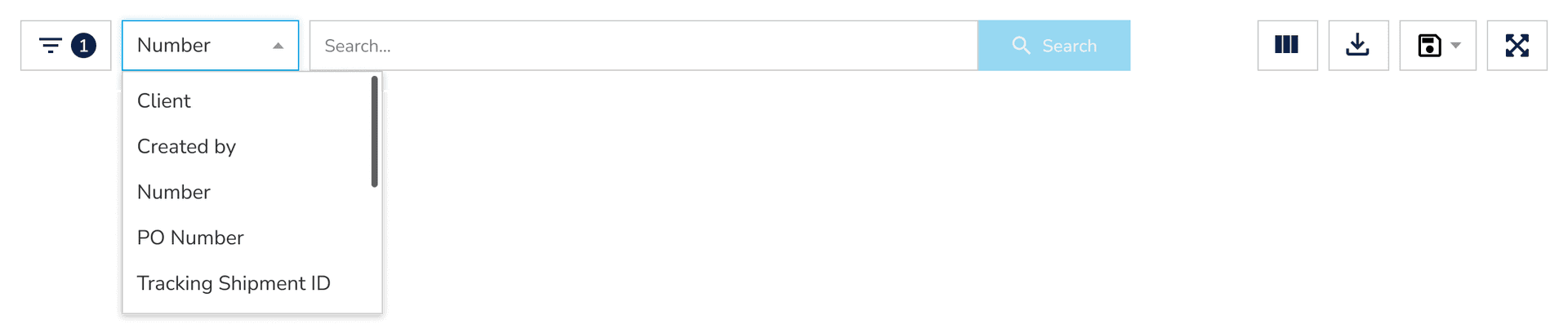
Filter Menu
Use the additional filters in the left-side panel to further refine your search results.
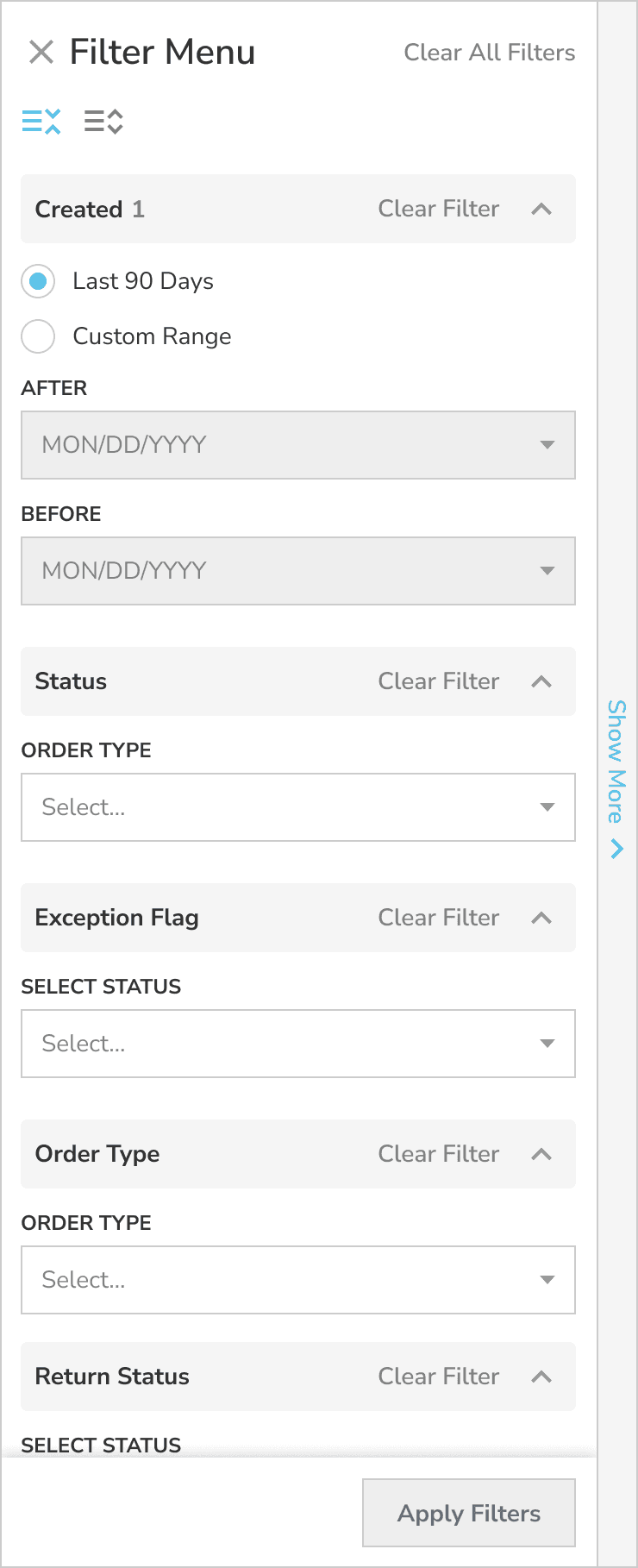
Created
Filters orders based on the date they were entered into the Motili system
You can select Last 90 Days or set a custom date range
Status
Filters orders by their current status:
Cancel Requested – A cancellation has been initiated
Cancelled – The order has been cancelled
Cancelling – Cancellation is in progress but not yet complete
Closed – The order has been invoiced
Completed – The order has been supplied but not yet invoiced
Created – The order has been created and saved
On Hold – The order has been placed on hold and is not actively being processed
Order Requested – Order request has been submitted for processing
Ordered – The order has been processed to the vendor branch
Order Confirm – Motili has received the vendor invoice and discrepancies are under finance review
Processing – The order is actively being processed in the vendor's system
Reconciling – The order is in reconciliation within the vendor's system
Submitted – The order has been received by Motili and is under review for processing issues
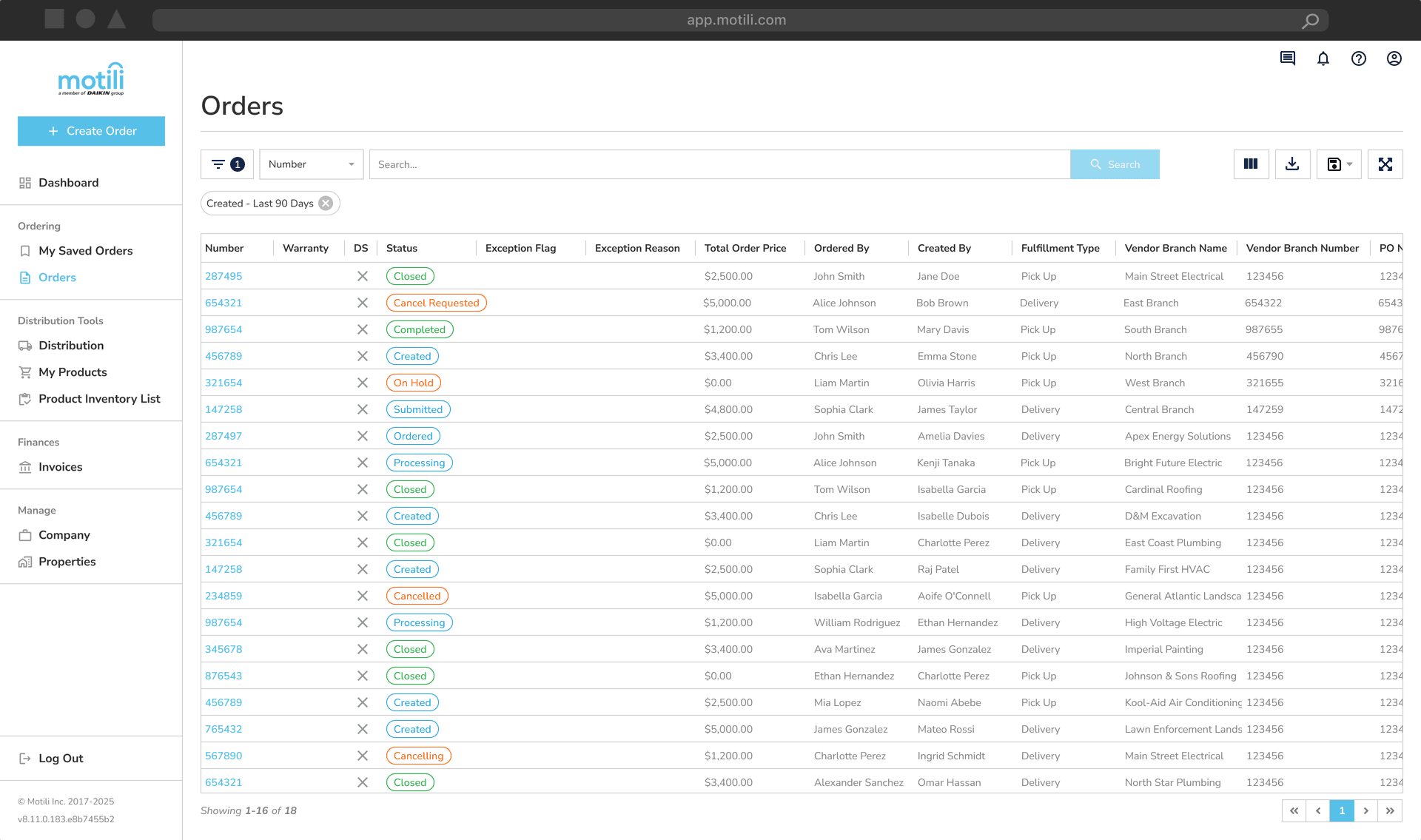
Exception Flag
Exception flags are used on an order to identify when an order has an issue that needs a resolution before progressing.
There are types:
Client
Contractor
Distributor
And reasons:
Approval of Substitution – Original item is out of stock and substitution approval is required
Approval to Split – Order must be sourced from multiple vendor branches due to stock limitations
Approve – Client approval is required
Change Order – Item change approval is required due to stock unavailability
Equipment Match Discrepancy – AHRI match discrepancy exists
Missing Information – Required order information is incomplete
Reject – Order has been rejected
Waiting on Stock Check Approval – Stock verification needed for vendors without API integration
Wrong Address – Incorrect address was provided on the order
Other – Exception reason not captured in the list above
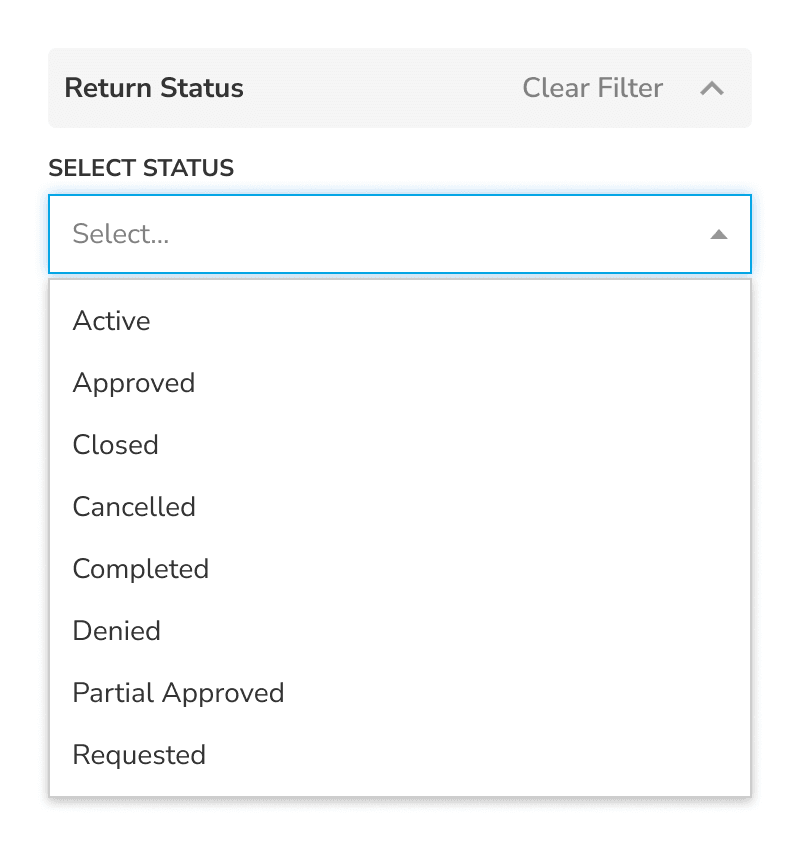
Return Status
Filters based on the status of a return request:
Active – Return has been reviewed and created
Approved – Return approved by the vendor branch
Closed – Return closed and credit has been issued
Cancelled – Return request cancelled by the requester
Completed – Return processed but credit not yet issued
Denied – Return denied by the vendor branch
Partial Approved – Partial credit approved by the vendor branch
Requested – Return has been submitted through the platform
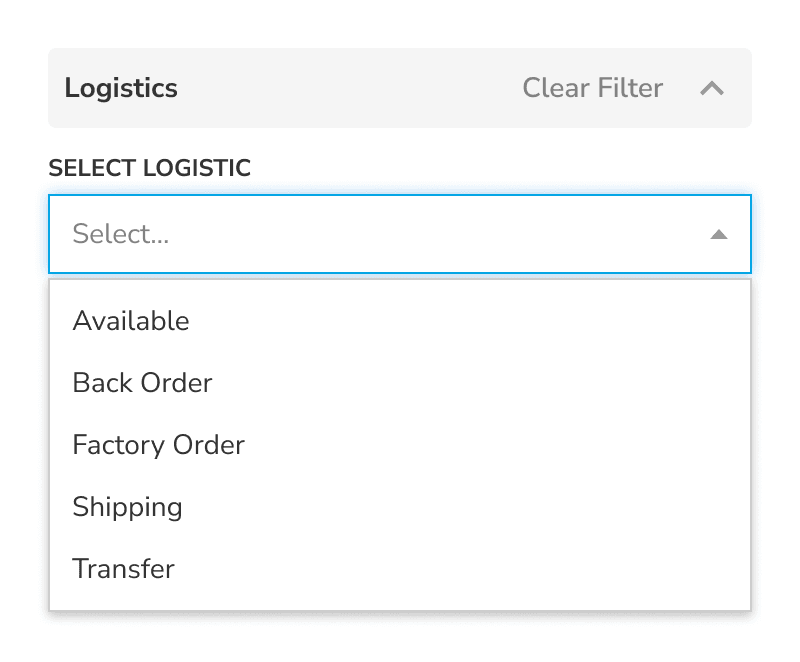
Logistics
Displays fulfillment status with the vendor:
Available – All items are available at the selected vendor branch
Back Order – One or more items are not currently in stock
Factory Order – Items are being sourced directly from the factory
Shipping – Order has been picked up by the shipping carrier
Transfer – Order is being transferred to the selected vendor branch
Additional Filters
Vendor Order Number – Filter orders where the vendor order number is blank or populated
Vendor Verified (Checkbox) – Indicates Motili has verified the tracking number
Local Truck (Checkbox) – Vendor branch truck used for delivery (no tracking available)
Manual Tracking Number – Tracking number manually obtained from the vendor
Created By – View orders created by only you or by all users on the account
Direct Supply – Filter direct supply orders from standard orders
Labor Warranty – Filter labor warranty orders from standard orders
Ordered Date – Filter orders placed using a before or after date selector
Available Date – Filter orders available using a before or after date selector
View Options
Controls for customizing how your results are displayed:
Expand – Expands search results to full screen
Save Grid View – Save and manage custom grid layouts
Download – Export up to 100 results in CSV or Excel format
Columns – Select which columns are displayed
Adjust Column Widths – Click and drag columns to resize as needed
